
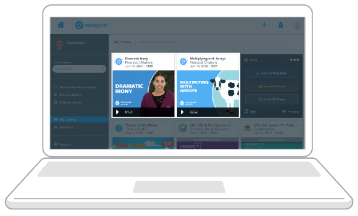
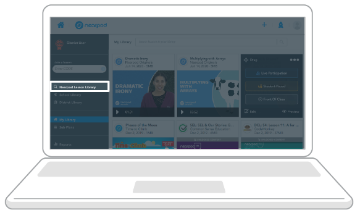
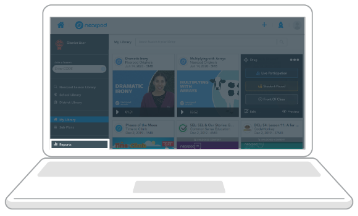
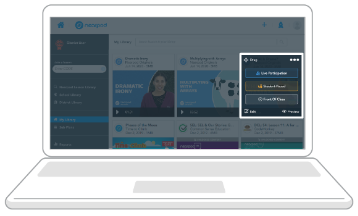
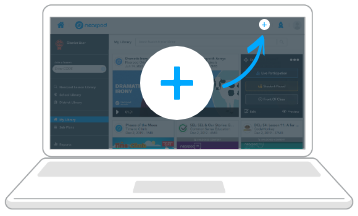
 Get started creating a lesson, video, or activity. Upload your favorite resources (PowerPoints, Google Slides, PDFs, videos). Or choose from 22,000+ ready-to-teach , customizable, standards-aligned premade lessons, videos, and activities from trusted educational publishers.

 Customize lessons with 20+ formative assessments and dynamic media experiences. Check for student understanding and deepen engagement with Draw It, Polls, Drag & Drop, Open-Ended Questions, VR Field Trips, PhET Simulations, and more.

 Visualize and support student understanding. Use insights from formative assessments and dynamic media features to guide your teaching and improve student outcomes. Adapt your instruction or address misconceptions on the fly during lessons based on feedback from real-time data.
Control the pace of a lesson and let students participate on their own devices in-person or with video conferencing.
Personalize instruction for individual students, small group assignments, or homework to differentiate and allow students to work at their own pace.
Watch a video as a class and stop to discuss key instructional moments using premade questions without devices.
Search by standard for every grade and subject for resources built in partnership with your favorite brands, like PhET, iCivics, and Readworks and now video partners like CrashCourse and SciShow Kids. Easily customize to fit the needs of your students.
Launch a lessonTry a Time to Climb game and turn your quick activities, exit tickets, and checks for understanding, into a competitive game with instant student feedback. Time to Climb is the perfect way to get started with Nearpod.
Let’s go
Learn how to use Nearpod, get advanced tips, and receive support to get started any time of the year.
Sign me up
Collaborate with other educators and get in on global conversations about Nearpod. Earn educator badges and Nearpod certifications as you go.
Count me in